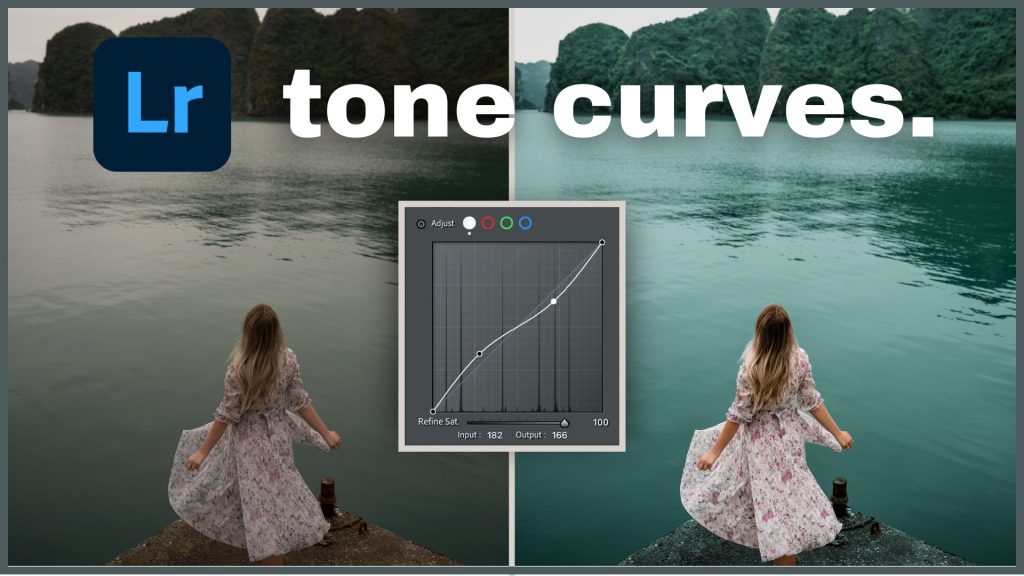
The craziest Lightroom feature you probably didn’t know existed.

Let’s unpack it together in this photography tutorial.

Home / Photography Tutorials / The craziest Lightroom feature you probably didn’t know existed.

Lightroom Adjustment Brush Hue Tool Tutorial

The craziest Lightroom feature you probably didn’t know existed.

In this tutorial we’ll unpack one of the new + mostly hidden features inside of Adobe Lightroom Classic & Adobe Lightroom CC that will help you create better edits with more selective and impressive color adjustments than ever before, thanks to Lightroom’s new hue tool found in the adjustment layer panel! Used in combination with the color picker / color overlay tool and the regular old HSL panel, you can truly dial in the perfect colors to any scene. This free lightroom editing tutorial will be helpful for photography beginners and seasoned Lightroom editors alike.

Check out this INSANE Lightroom Color Trick (this is crazy)

Leave a Reply

Your email address will not be published. Required fields are marked *

Explore Presets & Marketing Templates!

Find Your Perfect Edit + Get More Clients!

  • Original price was: $1,087.00.Current price is: $97.00.
    View More
  • Preview of the Lightroom AI Engine Presets
    $75.00
    View More
  • The Instant Magic Sparkler Overlays
    $75.00
    View More
  • Downloadable Lightroom classic basic brush kit - a bundle of Lightroom brush presets
    $59.00
    View More
  • Preview of the Dramatic Black Presets for Lightroom
    $59.00
    View More
  • Preview of the Bright White Presets for Lightroom
    $59.00
    View More
  • A preview of the Summer Presets for Lightroom
    $59.00
    View More
  • Preview of Natural Lightroom Preset Collection
    $59.00
    View More
  • All Access Bundle - $8289 In Presets, Courses & Templates
    $499.00
    View More
  • Fully customisable Photography business Invoice template
    $22.00
    View More
  • Clean and Stylish Boudoir photography session guide template you can edit in Canva
    $59.00
    View More
  • Canva template wedding photography client questionnaire
    $27.00
    View More
  • 2 Page Wedding photography price list template for photographers
    $17.00
    View More
  • Wedding timeline client guide for photographers - beautiful canva design template
    $27.00
    View More
  • Stylish magazine High school Senior Photography Client Guide you can edit in Canva
    $59.00
    View More
  • Magazine style Newborn photography client guide Canva Template
    $59.00
    View More